How to fix blurry, bleeding or drifting sprite sheets in Unity
Sprite-sheet problems in Unity are usually caused by mismatched texture import, slicing or render scaling—not bad animation frames. Identify the layer from the symptom before changing settings.
Verified by the FrameSprite Workflow Lab · 2026-08
Short answer
For blurry pixel art, use Point filtering, no compression and no mip maps. For neighboring-frame bleed, add 1–2px gutters and use Clamp. For character drift, give every slice the same pivot and verify identical source canvases and foot baselines.
Reproducible steps
- 01
Make a minimal reproduction
Place a SpriteRenderer in an empty scene with only the affected texture and a 1× transform. Remove post-processing, camera scripts and scaled parents from the test.
- 02
Correct texture import settings
For pixel assets use Sprite (2D and UI), Point, no compression and no mip maps. Painted assets may keep Bilinear, but compare once with compression disabled.
- 03
Re-slice with exact cell dimensions
Use Grid By Cell Size with the exact exported frame dimensions. If the sheet does not divide evenly, fix the source file instead of compensating with hand-dragged slice borders.
- 04
Unify pivots and Pixels Per Unit
Select all slices and apply one pivot: Bottom Center for grounded characters, Center for flying ones. Keep one Pixels Per Unit value across every action sheet.
- 05
Check camera and integer scaling
Use Pixel Perfect Camera or ensure world units map to whole screen pixels. Fractional transforms and dynamic resolution can reintroduce blur after imports are correct.
A tested example
Even cells isolate filtering, slicing and pivot problems cleanly.
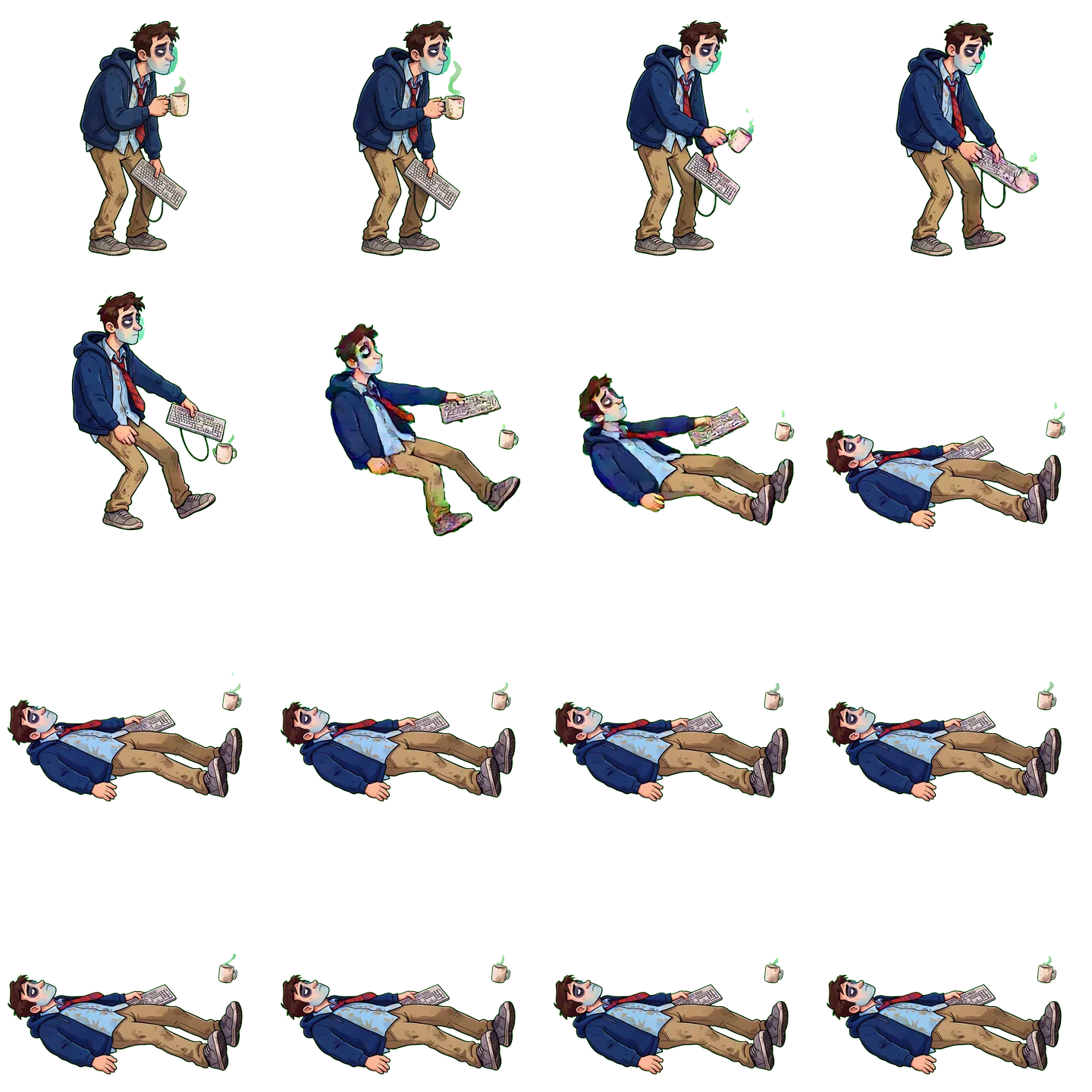
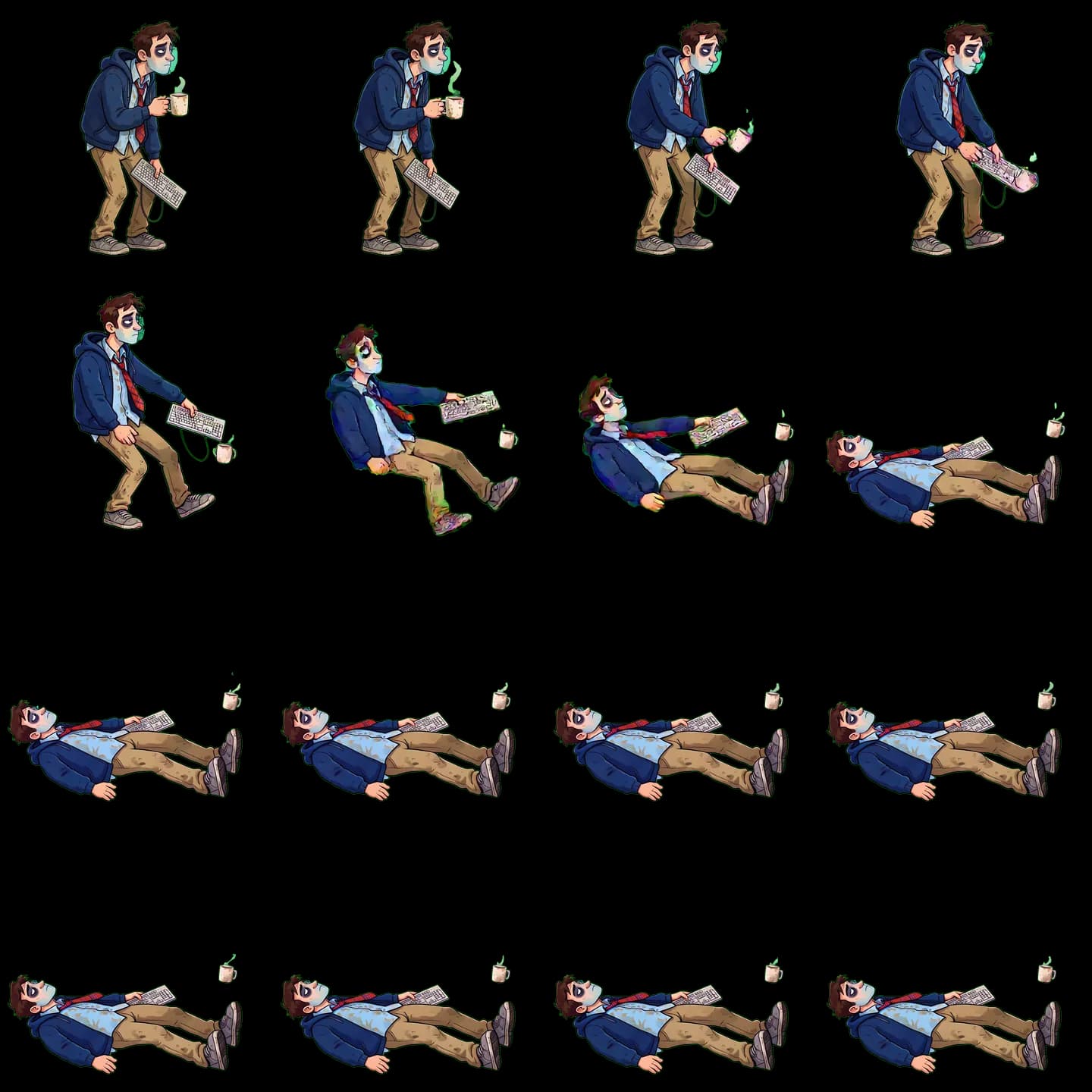
Reproducible details
- Filter
- Point
- Mip Maps
- Off
- Pivot
- Batch unified
4×4 WebP
Unity symptom matrix
| Symptom | Likely cause | Fix |
|---|---|---|
| Whole sprite is blurry | Bilinear / compression / fractional scale | Point + None + integer scale |
| Neighboring frame appears at edges | No gutter or sampling crosses cell bounds | Export 1–2px gutters and use Clamp |
| Character jumps while animating | Source baseline or pivots differ | Normalize source baseline and batch-apply one pivot |
Frequently asked questions
- Why is Scene view sharp but Game view blurry?
- Game view passes through camera scaling and final-resolution sampling. Check Orthographic Size, Game resolution, Canvas scaling and Pixel Perfect Camera.
- Should padding be added in Unity or during export?
- Prefer transparent gutters at export because they physically isolate texture sampling. Sprite Editor padding must exactly match gutters already present in the source.
- Should every sprite use Point filtering?
- No. Point suits pixel art; high-resolution painted characters often look better with Bilinear. Choose by art style, then address compression and scaling.
Next in the workflow
Run the workflow with your own asset
The browser tool needs no account; move into the character workspace only when you need a new action.
Open the free tool