Sprite sheet size, rows and columns calculator
Sheet dimensions must be derived exactly from cell size, columns, rows and gutters. If one value is wrong, Unity or Godot slicing produces offsets, clipping or neighboring-frame bleed.
Verified by the FrameSprite Workflow Lab · 2026-08
Short answer
Rows = frame count ÷ columns, rounded up. Without gutters, sheet width = frame width × columns and height = frame height × rows. With gutters, add gap × (columns − 1) to width and gap × (rows − 1) to height.
Live calculation
- Required rows
- 2
- Sheet size
- 1024 × 512px
Width = frame width × columns + gap × (columns − 1); height uses the rounded-up row count.
Reproducible steps
- 01
Confirm one frame's canvas size
Use the full cell canvas, not the non-transparent character bounds. Every frame must match, for example 256×256.
- 02
Choose an engine-friendly column count
Counts such as 4 or 8 are easy to inspect. Columns need not be a power of two, but final width must match the import settings.
- 03
Round up to get row count
Ten frames in four columns require three rows, leaving two empty cells in the last row. Never stretch the final row to fill it.
- 04
Include gutters in final dimensions
A 1px gutter exists only between neighboring cells and need not add outer margins. If you add an outer margin, account for both sides separately.
- 05
Use the same values in-engine
Unity uses Grid By Cell Size; Godot uses Horizontal/Vertical counts. Export and import must use the same values.
A tested example
The dimensions divide perfectly by rows and columns and validate the calculator defaults.
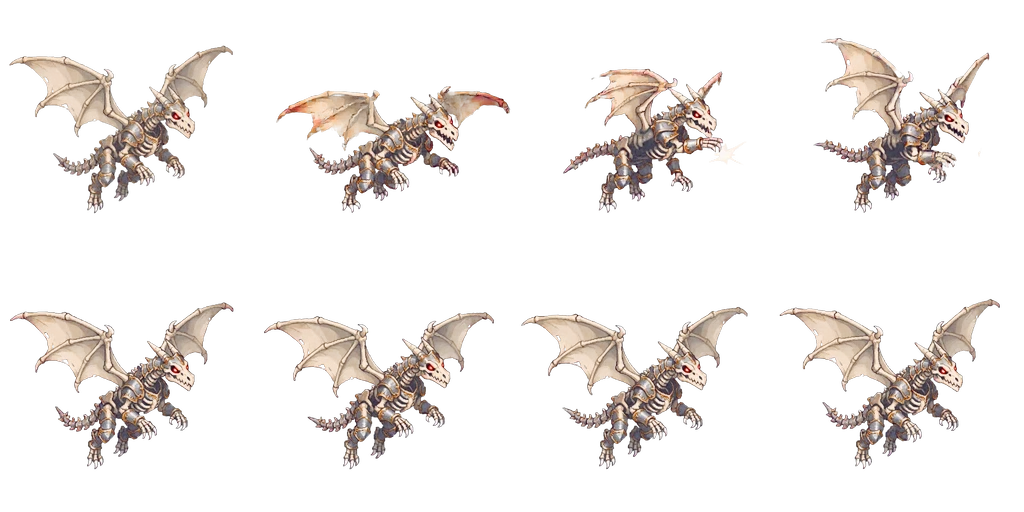
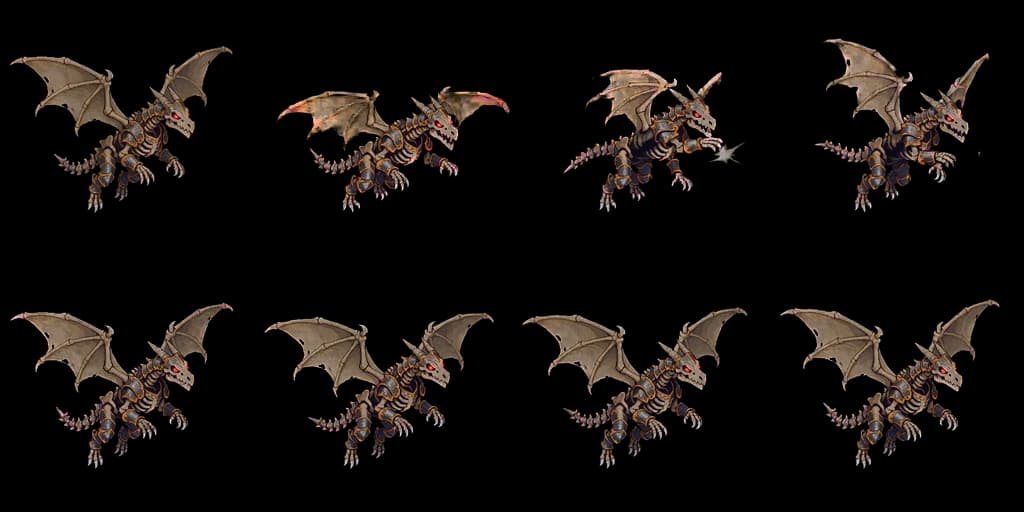
Reproducible details
- Sheet
- 1024×512
- Grid
- 4×2
- Cell
- 256×256
1024×512 WebP
Calculation checks
| Symptom | Likely cause | Fix |
|---|---|---|
| Last column is clipped | Width omitted gutters or a column | Recalculate width from columns and gap |
| Slices drift farther each column | Imported cell size differs from actual size | Verify sheet width reverses to the expected formula |
| Last row has empty cells | Frame count does not divide by columns; this is expected | Leave them transparent and do not select them on import |
Frequently asked questions
- Must a sprite sheet use power-of-two dimensions?
- Modern engines generally do not require it, though some compression pipelines or older hardware prefer power-of-two textures. Keep cells exact first, then pad for the target platform if needed.
- Should gutters be 0, 1 or 2px?
- Zero works with Point filtering and Clamp. For Bilinear filtering, scaling or atlas packing, use 1–2px transparent gutters.
- Can frames of different sizes share one sheet?
- Not in a regular grid. Normalize to one canvas first; tightly packed irregular atlases require a JSON/plist descriptor alongside the image.
Next in the workflow
Run the workflow with your own asset
The browser tool needs no account; move into the character workspace only when you need a new action.
Open the free tool