Complete sprite-sheet setup for Godot AnimatedSprite2D
AnimatedSprite2D is the direct choice when an animation mainly swaps frames. Configure loops, one-shots and return rules explicitly instead of manually keyframing every frame in AnimationPlayer.
Verified by the FrameSprite Workflow Lab · 2026-08
Short answer
Create AnimatedSprite2D → create SpriteFrames → slice by columns and rows → name each action and set FPS/Loop independently → call play(&"attack"). Connect animation_finished so one-shot actions return to idle.
Reproducible steps
- 01
Create and save a SpriteFrames resource
Create SpriteFrames on the AnimatedSprite2D and save it as a character-specific .tres. Multiple scene instances can share the same action set.
- 02
Slice with exact rows and columns
Use Add frames from a sprite sheet and enter the exported Horizontal/Vertical counts. Select only the current action cells in playback order.
- 03
Set FPS and Loop per action
idle, walk and fly usually loop; attack, hit and die usually do not. Each action may use its own FPS—there is no need to force one global value.
- 04
Play actions with StringName
Use StringName values such as &"attack" and check the current animation before switching, so process loops do not restart frame 0 every tick.
func set_animation(next: StringName) -> void: if sprite.animation != next: sprite.play(next) - 05
Return after one-shot actions
Connect animation_finished and return to idle or walk based on the completed action. Death usually holds its last frame and should not auto-return.
func _on_animation_finished() -> void:
    if sprite.animation in [&"attack", &"hit"]:
        sprite.play(&"idle")
A tested example
The grid directly validates Add frames from a sprite sheet row and column settings.
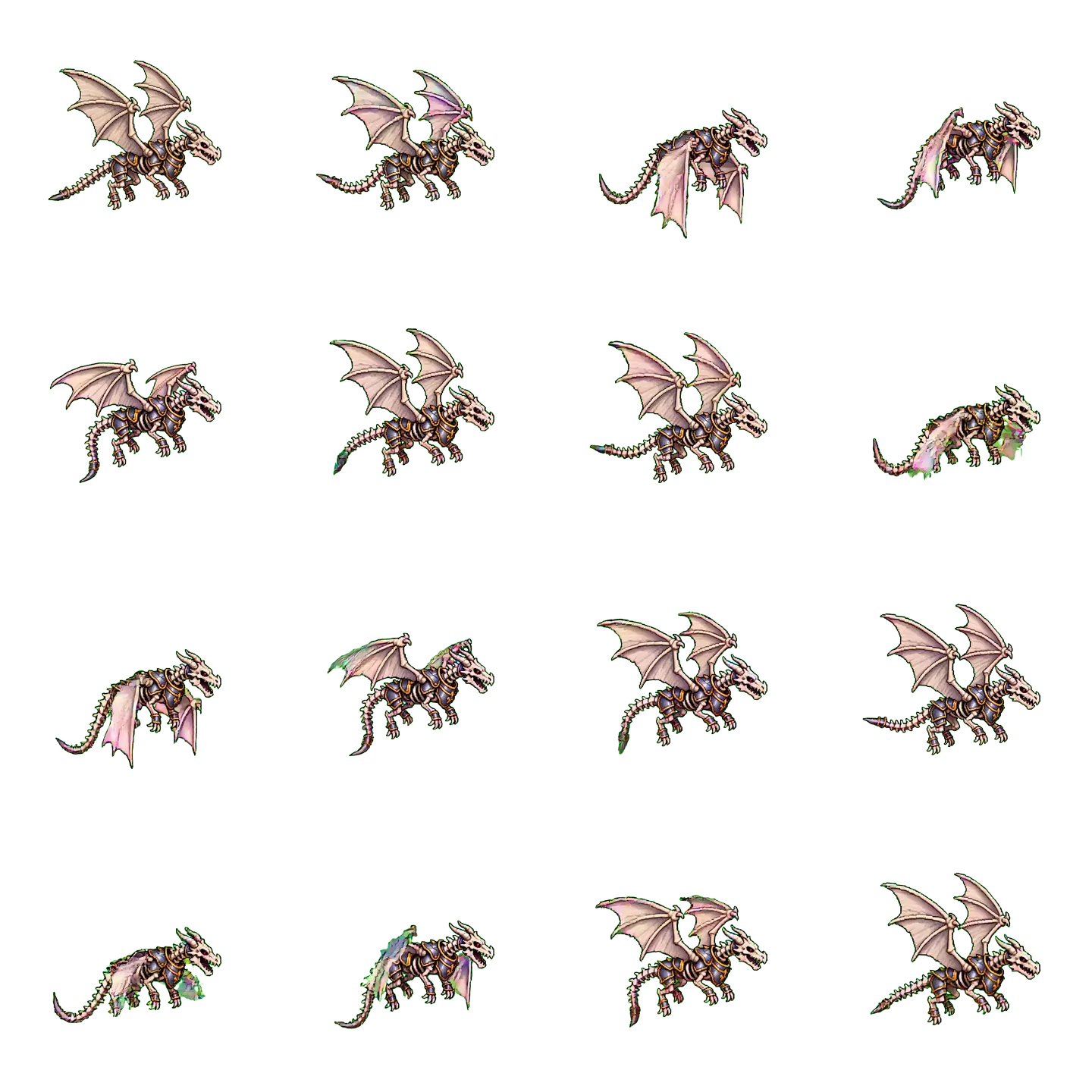
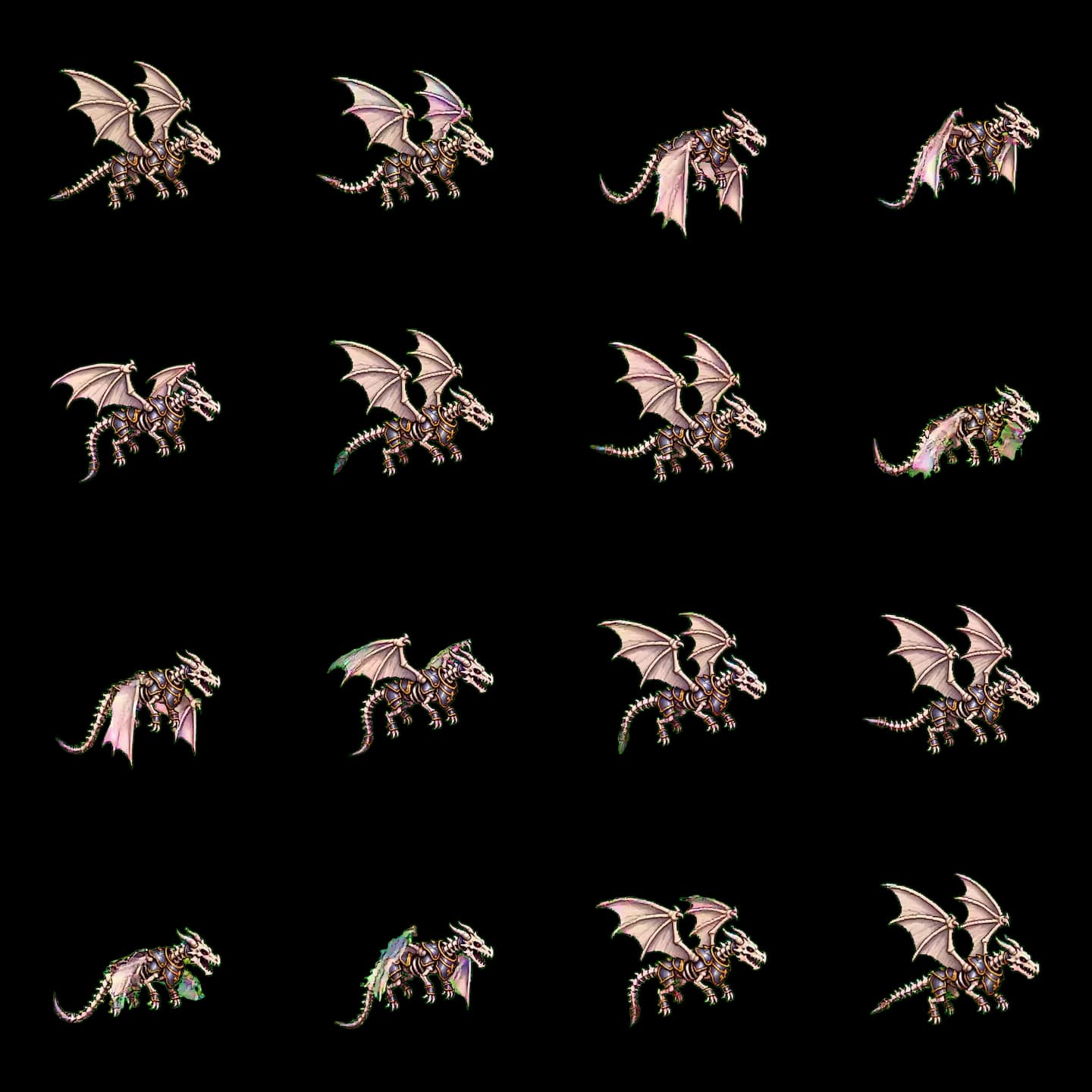
Reproducible details
- Horizontal
- 4
- Vertical
- 4
- Node
- AnimatedSprite2D
4×4 WebP
AnimatedSprite2D diagnosis
| Symptom | Likely cause | Fix |
|---|---|---|
| Animation stays on frame one | play is called again every process tick | Compare the current animation before switching |
| One-shot loops forever | Loop is enabled for that action | Disable Loop for that action in SpriteFrames |
| Pixel art shimmers or blurs | Linear filtering, mipmaps or fractional scaling | Use Nearest, no mipmaps and integer scaling |
Frequently asked questions
- AnimatedSprite2D or AnimationPlayer?
- Use AnimatedSprite2D for frame swapping. If one clip also drives hitboxes, sound, particles or node properties, use AnimationPlayer or combine both.
- How many actions can one SpriteFrames hold?
- There is no practical limit for a normal character. Keep idle, walk, attack and related clips in one resource per character.
- Can I use a PNG sequence without packing a sheet?
- Yes. Use Add frames from files and multi-select the sequence. Zero-pad filenames so frame_002 sorts before frame_010.
Next in the workflow
Run the workflow with your own asset
The browser tool needs no account; move into the character workspace only when you need a new action.
Open the free tool